Skip to content

Projects

A selection of things I've built — from full-stack web apps to campus productivity tools. Each one links to its live demo (where available) and source code.

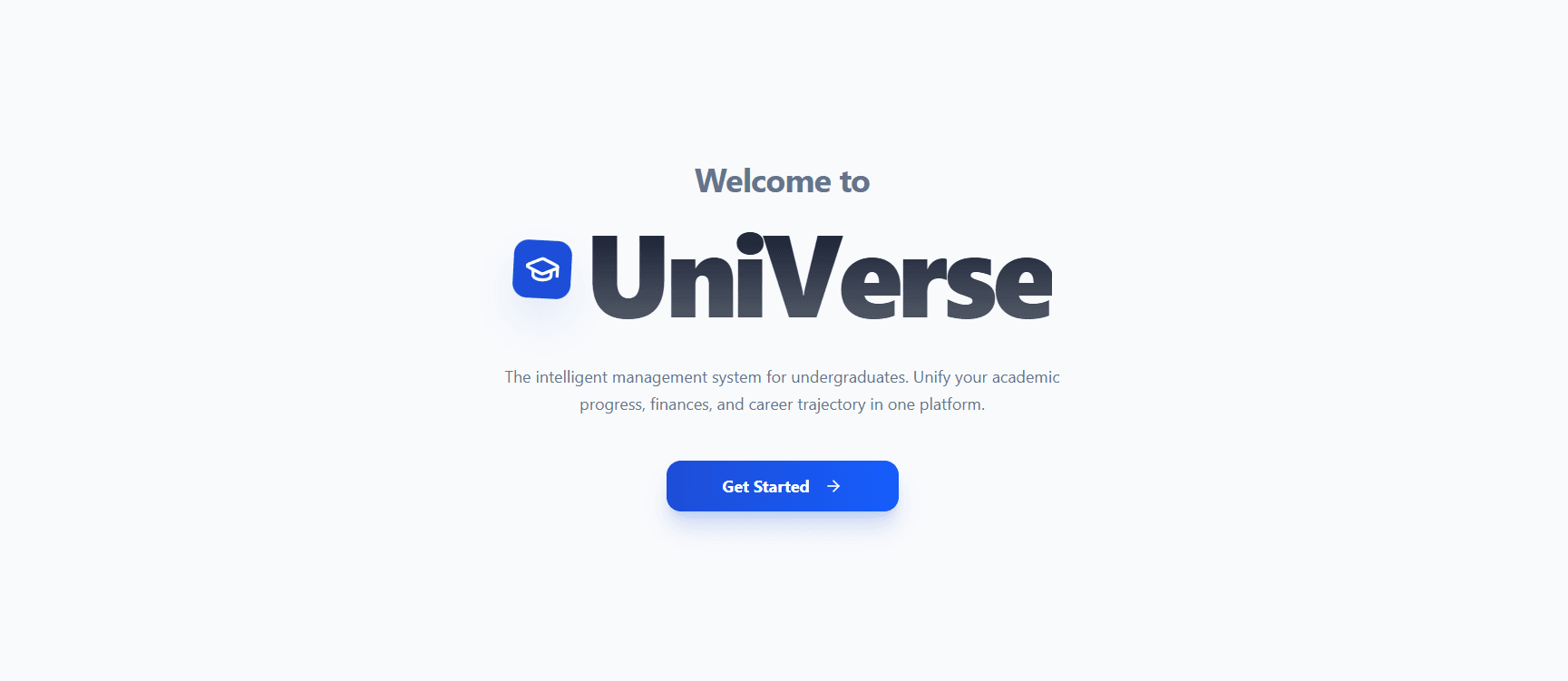
Screenshot 1 of the UniVerse project

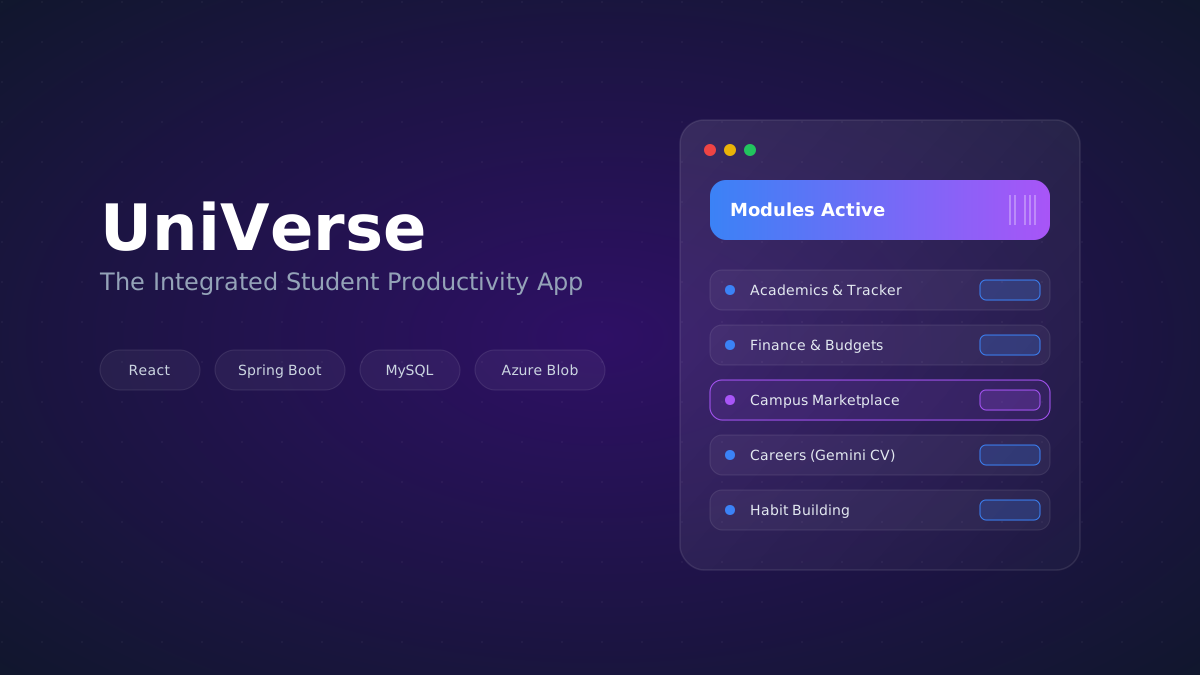
UniVerse

Cross-platform student app bringing 8 modules — productivity, finance, academics, habits, careers, marketplace — into one interface, with real-time sync and Gemini-powered CV parsing. Led a 5-person team (Grade: A+).

  • React
  • React Native
  • Spring Boot
  • MySQL (Aiven)
  • Azure Blob Storage
  • WebSocket
  • JWT
AppAdminBackend

UniVerse

UniVerse is a cross-platform companion for university students, built as a second-year software engineering project. Instead of juggling separate apps for timetables, money, grades, and job hunting, students sign in to one workspace that brings eight modules together — plus a campus side where verified companies post internships and verified students buy and sell. I led the five-person team that built it, and it earned an A+.

What students get

  • A widget dashboard that ties everything together: GPA and spending at a glance, plus a card that scans the next five hours of lectures and to-dos for a free gap you could use.
  • A GPA calculator for 4.0 and 4.2 grading scales that tracks every semester, projects your degree classification, and works backwards from a target CGPA — a backtracking search finds the easiest grade combinations that still reach it.
  • A money manager with multiple wallets, category budgets, recurring expenses, an insights panel that flags spending patterns, reports, and CSV export.
  • A habit tracker with heatmap calendars and a social mode where friends join a shared habit through an invite code.
  • A to-do list, a weekly and monthly planner for lectures and exams, and a Pomodoro-style focus timer with a trend chart.
  • Job Hub for internships and part-time roles from verified companies, and a Marketplace where verified students buy, sell, and rent items like textbooks.

How it's built

  • React and TypeScript web app (Vite, Tailwind CSS, Radix UI, Recharts), with a React Native app for mobile.
  • Spring Boot REST API over MySQL hosted on Aiven, using Spring Data JPA.
  • JWT authentication with BCrypt-hashed passwords; every request carries a bearer token, and an expired session signs the user out cleanly.
  • Role-based access for four account types — Student, Recruiter, Seller, and Admin — with protected routes in the app.
  • A separate admin portal where admins verify or reject recruiter and seller accounts and resolve user reports.
  • Real-time WebSocket sync, Azure Blob Storage for files, and the Gemini API with JSON schemas to turn unstructured CVs into structured data.
  • Data cached on the device is scoped to each user, so nothing carries over to the next person who signs in on the same browser.
  • Vitest and Testing Library tests for the sign-in route guards.

Team

  • Led a five-person team through Agile sprints, tracking work in Jira and shipping through GitHub feature branches.
  • React
  • React Native
  • Spring Boot
  • MySQL (Aiven)
  • Azure Blob Storage
  • WebSocket
  • JWT
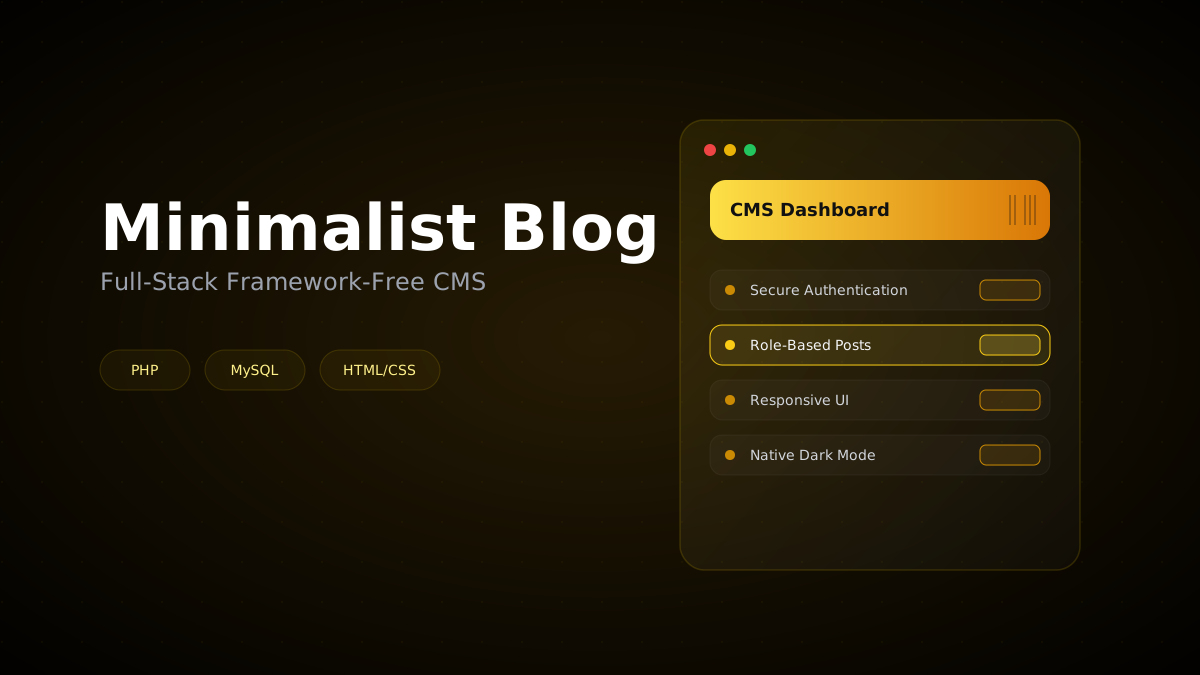
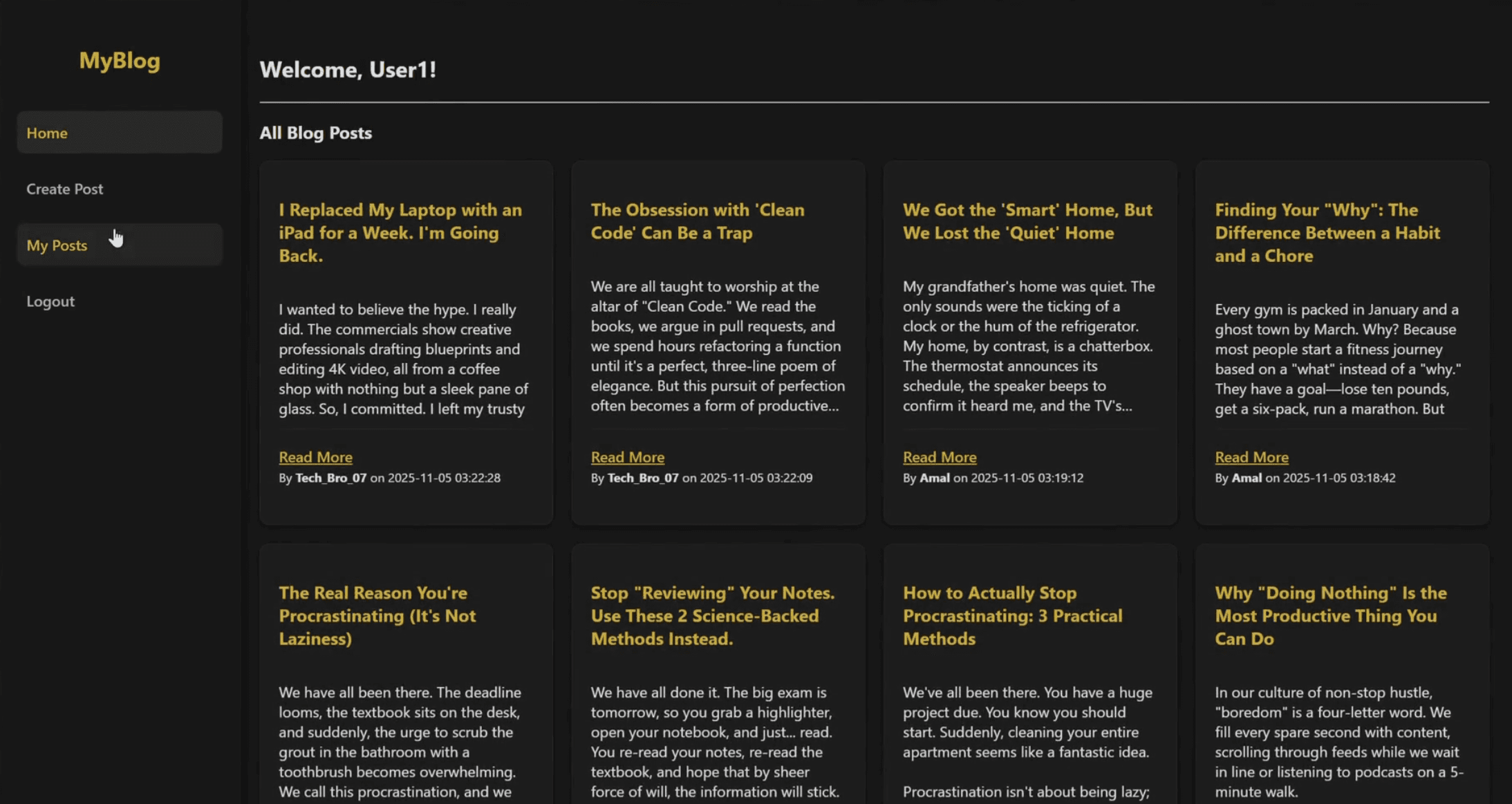
Screenshot 1 of the Minimalist Blog Web Application project

Minimalist Blog Web Application

Full-stack blogging CMS with secure authentication, role-based post management, and a framework-free responsive UI with native dark mode.

  • PHP
  • MySQL
  • HTML/CSS
Code

Minimalist Blog Web Application

A full-stack blogging platform written from scratch in plain PHP and MySQL — no framework — to understand how authentication, sessions, and database-backed content really work. It's live at sooris-blog.rf.gd.

What it does

  • Register, sign in, and write, edit, or delete your own posts.
  • A shared feed of everyone's posts, newest first, with author and date, plus a page for each post.
  • A personal dashboard that lists only your own posts.
  • A dark, minimal, responsive design in hand-written CSS.

How it's built

  • Passwords hashed with PHP's password_hash and checked with password_verify; sign-in state kept in PHP sessions, with every page redirecting to sign-in when there's no session.
  • Prepared statements for registration, sign-in, and creating, editing, and viewing posts, so user input is never spliced into SQL.
  • Ownership enforced in the query itself: edits and deletes only match a post if it belongs to the signed-in user.
  • All user content escaped with htmlspecialchars to block cross-site scripting; duplicate usernames and emails caught from MySQL's unique-key errors.
  • Database credentials loaded from a .env file with phpdotenv, so they never live in the repository.
  • PHP
  • MySQL
  • HTML/CSS
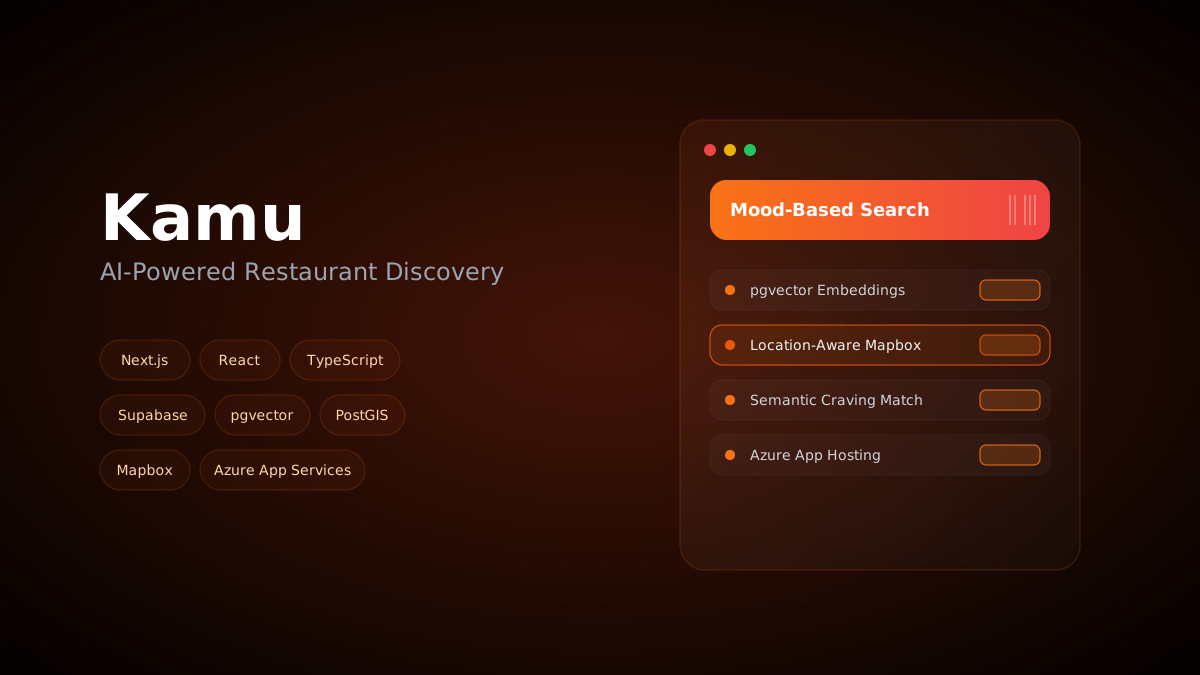
Screenshot 1 of the Kamu project

Kamu

AI-powered restaurant discovery: describe a mood or craving and pgvector embeddings match it to restaurants, with Mapbox + PostGIS for location-aware search. In development.

  • Next.js
  • React
  • TypeScript
  • Tailwind CSS
  • Supabase
  • pgvector
  • PostGIS
  • Mapbox
  • Azure App Services
  • Vitest
Code

Kamu

Kamu is an AI-powered restaurant discovery app I'm co-developing. Instead of choosing from fixed categories, you describe a mood or a craving in your own words, and Kamu finds restaurants that match. It's still in development.

What it does

  • Mood-based search: descriptions are matched to restaurants using pgvector embeddings, replacing traditional category filters.
  • Location-aware discovery on a Mapbox map, with PostGIS powering the location queries.
  • Two apps on one platform: the Kamu customer app and a portal for restaurant owners.

How it's built

  • Next.js 16, React 19, and TypeScript, styled with Tailwind CSS.
  • Supabase (PostgreSQL) for authentication, the database, and file storage — shared by both apps with role-based security.
  • Vitest for testing, and continuous deployment from GitHub to Azure App Services.
  • Next.js
  • React
  • TypeScript
  • Tailwind CSS
  • Supabase
  • pgvector
  • PostGIS
  • Mapbox
  • Azure App Services
  • Vitest
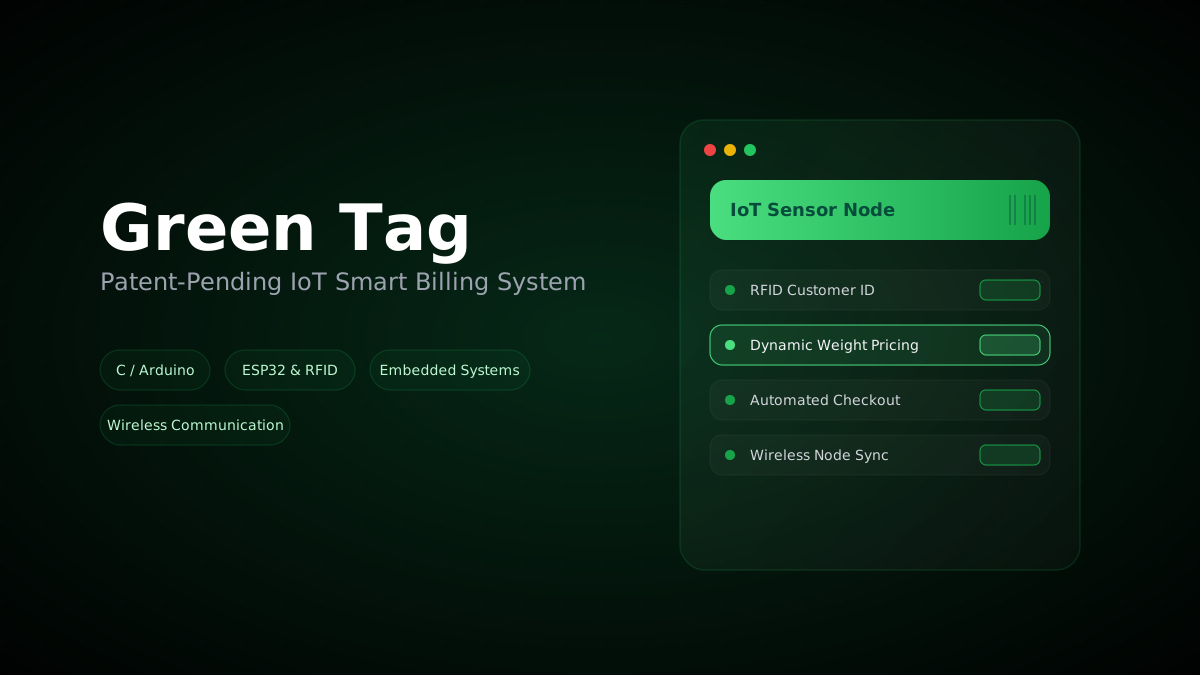
Screenshot 1 of the Green Tag project

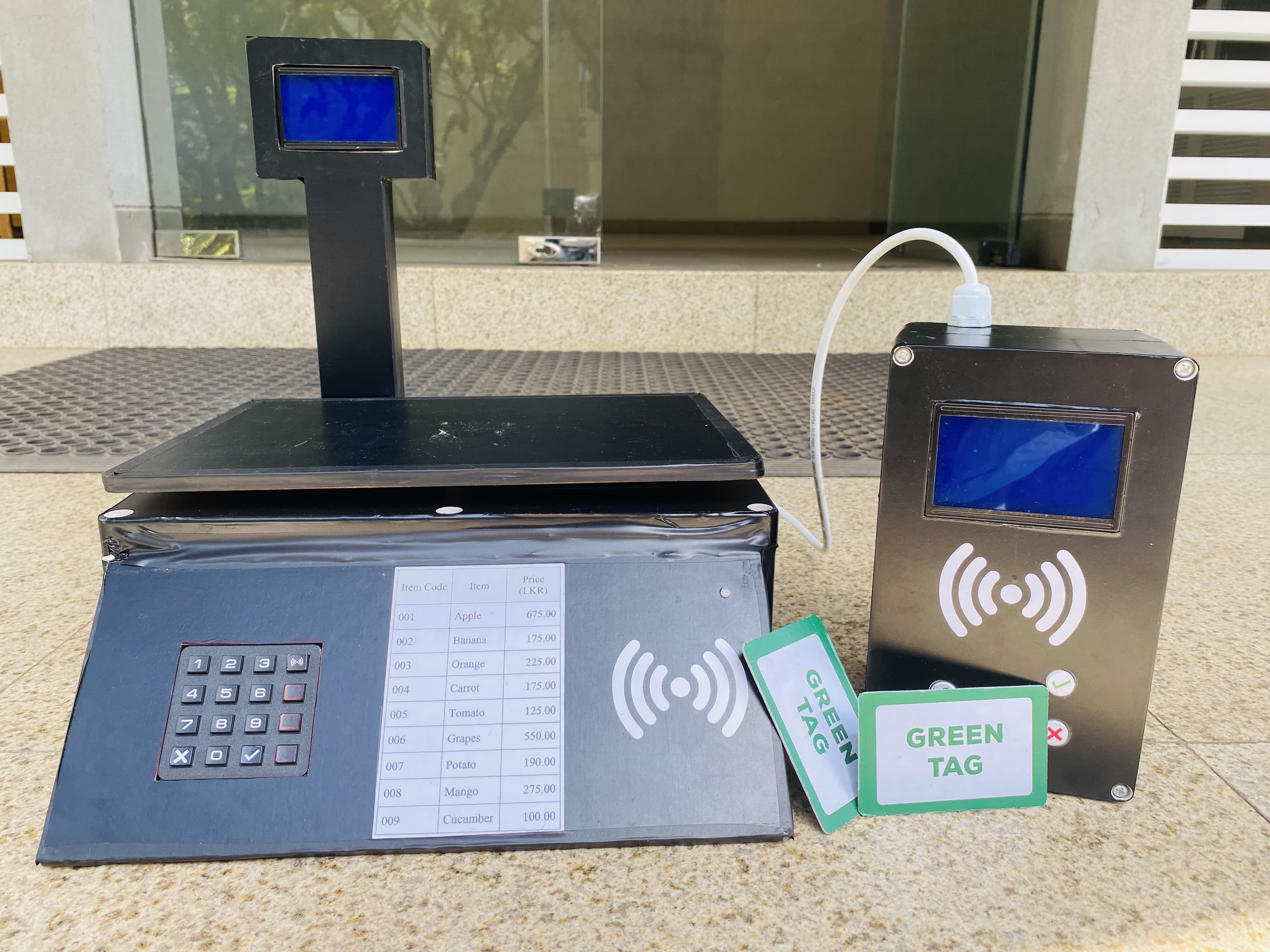
Green Tag

Patent-pending IoT smart billing system that automates retail checkout with weight-based dynamic pricing and RFID customer identification. Led a 4-person team (Grade: A).

  • C
  • Arduino
  • ESP32
  • RFID
  • Embedded Systems
  • Wireless Communication
Code

Green Tag

Green Tag is a patent-pending smart billing system that replaces the printed barcode stickers on loose produce. Items are weighed and priced at the scale, linked to the shopper with an RFID card, and sent wirelessly to the checkout — no sticker, no paper. I led the four-person team, and it earned an A.

How a purchase works

  • At the scale, the product code is entered on a keypad; the scale looks the product up on its SD card and reads the weight from a load cell.
  • The price is calculated from the weight and unit price and shown on the scale's display.
  • Tapping an RFID card links the item to that shopper, and a radio module sends the shopper ID, product, weight, and price to the billing station.
  • At checkout, scanning the same card pulls up everything that shopper weighed — four items per screen with next and previous buttons — shows the total, and clears their record once they've paid.

Under the hood

  • Two stations, each pairing an Arduino Mega with an Arduino Nano over serial: HX711 load cell, RC522 RFID readers, HC-12 wireless modules, SD card storage, a keypad, and 128×64 LCDs.
  • Arduino firmware with non-blocking millis() timing at the billing station, so radio messages and card scans never hold each other up.
  • Every item received is logged to the SD card, so a shopper's basket is kept safe until checkout.
  • An RGB status light shows each step at the scale: waiting for a card, card read, and data sent.
  • C
  • Arduino
  • ESP32
  • RFID
  • Embedded Systems
  • Wireless Communication
Screenshot 1 of the Automated Email Generator project

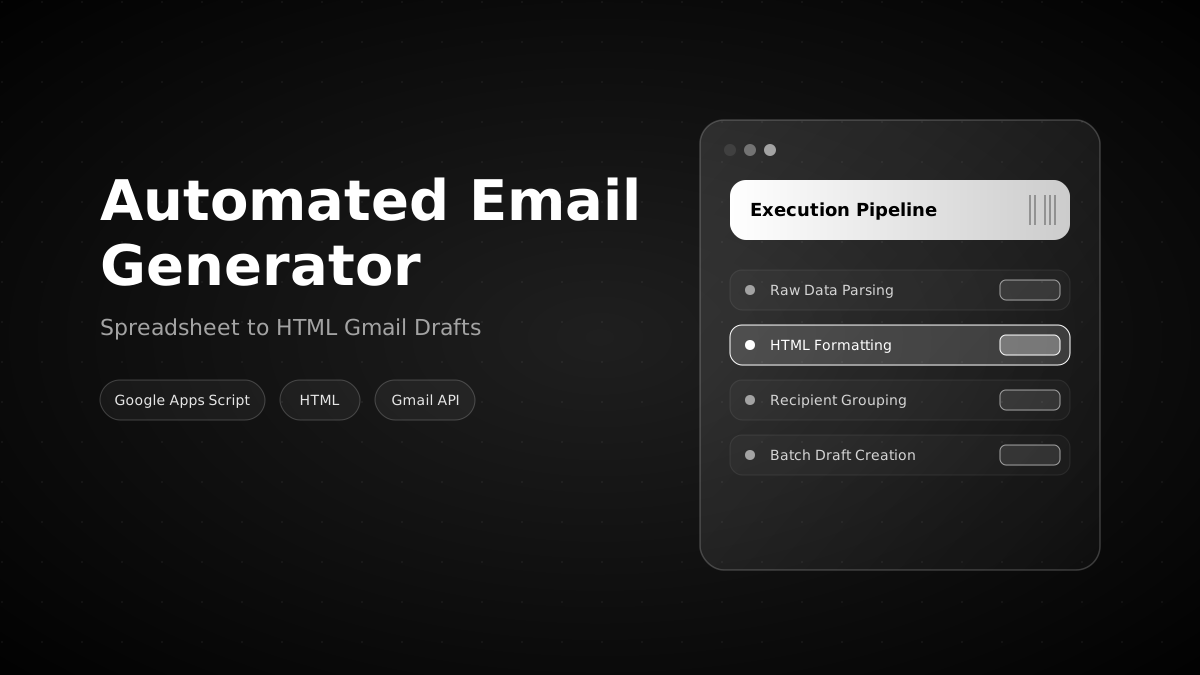
Automated Email Generator

Google Apps Script tool that turns raw spreadsheet data into batches of HTML-formatted Gmail drafts, grouped by recipient.

  • Google Apps Script
  • HTML
  • Gmail API
Code

Automated Email Generator

A Google Apps Script tool that turns one formatted Google Sheet into personalised Gmail drafts — one per recipient — with the sheet's formatting intact. It replaces the slow copy-and-paste of sending each person their own rows.

What it does

  • Groups rows by the recipient email in the last column, so each person gets one email with only their rows.
  • Rebuilds those rows as an HTML table that keeps the sheet's look: background colours, font colours, and column widths.
  • Uses values exactly as they're displayed in the sheet, so dates, currencies, and emoji come through as you see them.
  • Creates drafts instead of sending, so every email can be checked before it goes out.

How it's built

  • Runs entirely inside Google Apps Script — no server or hosting.
  • Reads the data, colours, and widths in a few bulk calls, then builds each table with inline styles so it renders correctly in email clients.
  • A configurable subject line and closing note.
  • Open source under the MIT license.
  • Google Apps Script
  • HTML
  • Gmail API

“You do not rise to the level of your goals. You fall to the level of your systems.”

— James Clear